Best Launch Monitors Under $1,000 in 2026: Home Practice Reviewed
The sub-$1,000 launch monitor market has gotten genuinely good. Here's what each device measures, what it estimates, and which one fits your practice setup.
May 20, 2026
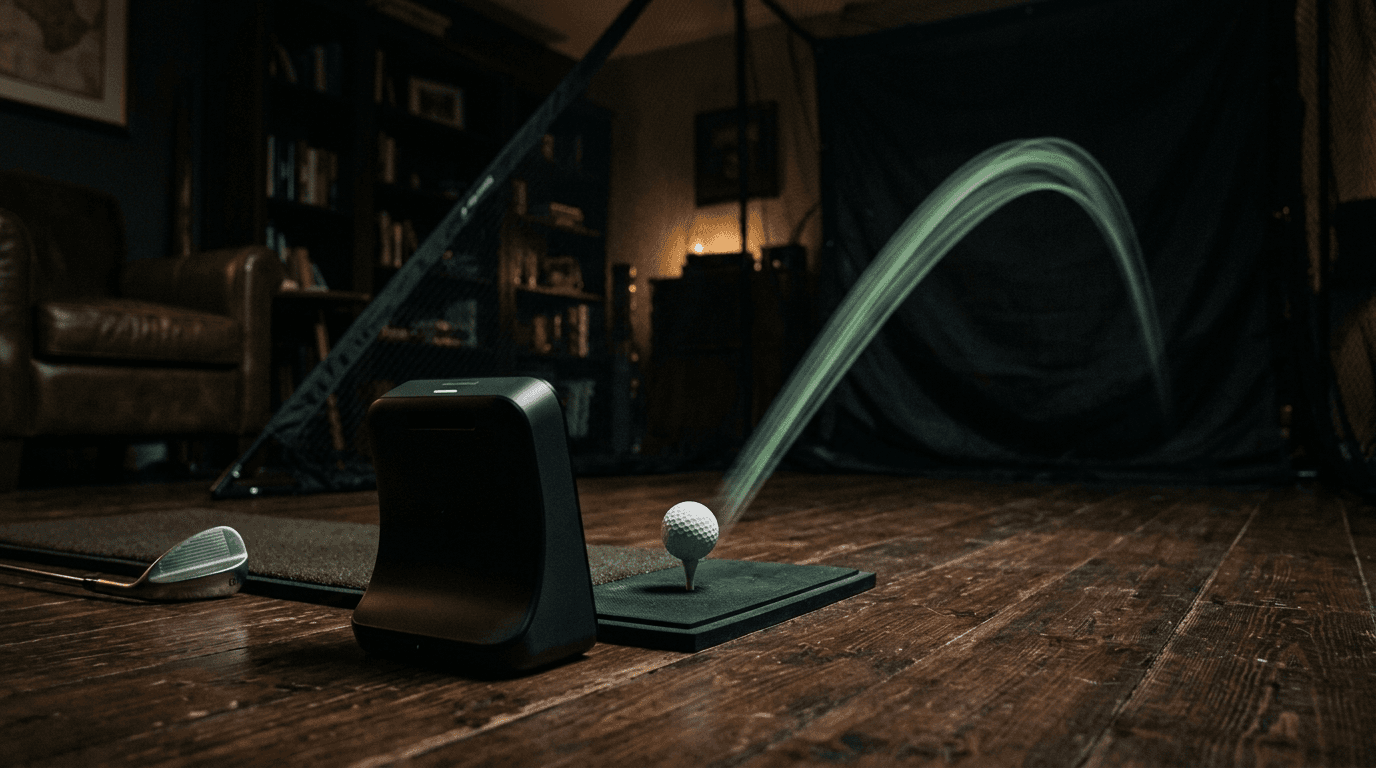
The sub-$1,000 monitor field has narrowed the gap with $5,000 systems considerably
What A Launch Monitor Actually Does
A launch monitor measures the physics of the ball, the club, or both, at the moment of impact and in the first feet of flight. The headline numbers most golfers care about (carry distance, ball speed, launch angle, spin rate, smash factor) are derived from those measurements. Everything else, including dispersion patterns, shot-shape predictions, and skills game scoring, builds on the same core data set.
The split that matters at the consumer price point is between radar-based and camera-based systems. Radar units (Doppler) sit behind the player and track the ball through flight, inferring spin and ball speed from velocity changes. Camera units sit ahead of or beside the ball and capture sub-millisecond images of the impact event, measuring directly. Both approaches work. Each has trade-offs in setup, accuracy, and what they can do indoors versus outdoors.
What "Measured" vs "Estimated" Means
Every consumer launch monitor publishes a long list of numbers. Some of those numbers are physically measured by the device's sensors. Others are calculated estimates based on the measured inputs. This distinction matters more than the marketing suggests, because estimates compound error, small inaccuracies in the inputs produce larger inaccuracies in the derived numbers.
Ball speed is almost always measured directly. Launch angle is usually measured. Carry distance is sometimes measured, often estimated. Spin rate, on most sub-$1,000 monitors, is either measured by a marked ball (a dotted or striped ball the camera tracks) or estimated from launch and ball speed. Club path, club face angle, and angle of attack are usually estimated, not measured, on consumer monitors, those numbers come standard on tour-level systems like TrackMan and GCQuad but not on budget units.
For practice purposes, the distinction matters most for spin rate. Spin is the single most sensitive input to predicted carry distance. A monitor that estimates spin from launch conditions will drift further from reality on shots that deviate from the model, typically very high or very low launch shots, or shots struck off the toe or heel.
What Most Golfers Actually Need
For home practice (net-and-mat sessions in a garage or basement, or backyard sessions in the summer) most golfers need three things from a launch monitor:
- Reliable carry distance, so club selection in real rounds matches practice.
- Consistent ball-speed and smash-factor numbers, so contact quality is measurable.
- Some form of dispersion tracking, so you can see whether a swing change actually tightens dispersion or just changes the shot shape.
Everything else (spin rate, club path, face angle, attack angle) is bonus. The sub-$1,000 monitors that nail those three core metrics will give 95 percent of the value of a $5,000 system for most amateurs. The few percent missing tends to show up in spin accuracy and in shot-shape data on misses.
The Top 5 Sub-$1,000 Launch Monitors of 2026
1. Garmin Approach R10, Best Value Under $700
The R10 has been the sub-$700 default since 2022 and the 2026 firmware updates haven't changed that. It is a Doppler radar unit that sits behind the player, weighs under a pound, and connects to a phone or tablet for data and the Garmin Golf app's skills games. Setup takes 30 seconds outdoors.
Measured outputs: ball speed, club head speed, smash factor, launch angle, launch direction, and approximate distance. Spin is estimated. The R10 reads short shots (under 100 yards) less reliably than full shots, irons and wedges have higher error rates than drivers in carry distance, by roughly 5 to 10 yards depending on contact quality.
Best for: outdoor backyard practice, casual home use, golfers who want a real launch monitor without the camera-system price.
Compromises: indoor accuracy is worse than camera systems. Spin numbers are useful for trends, not for precise fitting work.
2. SkyTrak+, Best Camera Accuracy Under $3,000 (and frequently under $2,500 on sale)
The SkyTrak+ is the entry point into truly accurate camera-based launch monitoring. It measures ball and club data directly using a dual-camera array and infrared sensors, and the included software supports both shot-by-shot data and indoor simulator play with third-party course packages.
This is technically above the $1,000 line, but it's in the conversation because it frequently goes on sale below $2,000 and used units regularly land under $1,500. For anyone serious about indoor practice or planning to build a basement simulator, the SkyTrak+ is the price-to-accuracy sweet spot. It measures spin directly with a marked ball and reports ball and club data with accuracy that approaches tour-level systems.
Best for: dedicated indoor simulators, serious practice routines, fitters and instructors.
3. Bushnell Launch Pro Indoor, Best Camera Under $1,000
The Bushnell Launch Pro Indoor is a stripped-down version of the full Launch Pro, designed specifically for indoor practice. It uses the same camera technology and the same accuracy you get from the full version, but locks the software to indoor-only mode and removes the outdoor and simulator-bundle features.
The trade-off is that adding outdoor or simulator capability is a software unlock (subscription-based), so the all-in cost can climb if you want the full feature set. For pure indoor swing-data-and-dispersion practice, the Launch Pro Indoor at $999 is the most accurate sub-$1,000 option available.
Best for: dedicated indoor practice rooms where simulator play isn't needed.
4. Rapsodo MLM2 Pro, Best Mobile Setup Under $700
The Rapsodo MLM2 Pro sits in front of the ball (not behind) and uses a camera-and-radar hybrid to capture ball data and short video clips of each swing. The on-board high-speed video is the standout feature, it overlays trajectory data onto the swing clip, which is useful for cause-and-effect analysis that pure data screens can't deliver.
Accuracy is roughly equivalent to the R10 for ball-flight data, slightly behind for spin. The setup is simpler than the R10 (no behind-the-ball positioning), which makes it easier to use at a driving range. The data and video sync to a phone or tablet via the Rapsodo app.
Best for: range practice, golfers who want video review built into the workflow, players who don't have a dedicated home practice setup.
5. FlightScope Mevo+ Limited Edition, Best Sub-$2,000 Doppler for Indoor Use
The Mevo+ Limited Edition is a sub-$2,000 Doppler unit (typically $1,700 to $1,900) that bridges the gap between the cheap radar units and the expensive camera systems. It measures spin directly using a higher-frequency radar than the R10 or Rapsodo, which produces more reliable spin numbers indoors.
Like the SkyTrak+, the Mevo+ is technically over $1,000, but worth considering if accuracy matters and indoor practice is the use case. The Mevo+ also includes simulator software with a starter course package, which can offset the cost if simulator play is part of the goal.
Best for: golfers who want a Doppler unit's outdoor reach and an indoor-capable accuracy profile, simulator builders on a budget.
Indoor vs Outdoor: The Setup Question
Most home practice happens in one of three setups: a garage with a net and mat, a basement with a hitting bay, or a backyard with no net. Each setup favors different launch monitor types.
- Garage or basement with net: Camera systems (SkyTrak+, Bushnell Launch Pro Indoor) read accurate ball data immediately on impact, regardless of net distance. Radar units need at least 8 feet of ball flight to read spin accurately, possible in some setups, impossible in tight ones.
- Backyard with no net: Radar units (Garmin R10, FlightScope Mevo+) shine here. Full ball flight gives the Doppler reading the full data window it needs. Camera systems work too, but the price-to-value argument tilts toward radar.
- Range or course practice: Either works. Rapsodo MLM2 Pro's mobile-first design is built for this use case, and the R10 is also widely used.
The Spin Question: When It Matters and When It Doesn't
Spin rate is the most-debated launch monitor metric at the consumer level because the cheaper monitors estimate it and the expensive ones measure it. The honest answer is that for general practice, building consistency, tracking carry distance, working on contact - estimated spin is fine. The trends will be accurate even when the absolute numbers are off by 200 to 500 RPM.
Spin accuracy starts to matter when:
- You are fitting a driver and need to verify spin numbers against optimal launch conditions.
- You are working on wedge spin specifically and need to compare strike quality across attempts.
- You are using the data to predict carry distance with high accuracy at altitude or in unusual conditions.
For everything else, dispersion practice, consistency tracking, swing change validation - estimated spin is good enough. Buying a $2,500 monitor for accurate spin when your practice time is mostly about contact quality is overinvesting.
What To Do With The Data
Owning a launch monitor without a structured practice routine is a common waste. The data helps when you use it to verify or falsify hypotheses about your swing. A few practical ways to put the data to work:
- Baseline first. Hit 25 shots with each club and record the average carry, the spread, and the typical miss direction. This baseline is what you compare future practice against.
- Track sessions, not single shots. Single swings have too much noise to be meaningful. Look at trends over 20+ shots per club.
- Use carry, not total, for club selection. Roll varies with course conditions; carry is the consistent input. Your monitor's carry numbers should map directly to your gapping chart.
- Test changes against the baseline. A grip change or a swing thought is "working" only if dispersion tightens or carry distance moves in the predicted direction. Trust the data, not the feel.
The Buying Decision, Simplified
For most golfers under $1,000, the choice is between the Garmin R10 (outdoor practice, $700) and the Bushnell Launch Pro Indoor (indoor practice, $999). Both are excellent at their core use case. Pick the one that matches where you actually practice.
If indoor practice with simulator play is the goal, save until you can afford the SkyTrak+ , the accuracy gap over the $1,000 options is meaningful and the simulator software is better. If outdoor backyard or range practice is the goal, the R10 is the answer until you cross $2,000.
Either way, the launch monitor is not the constraint. The constraint is whether the data gets used. A $700 monitor used 30 minutes a week pays back faster than a $5,000 monitor used twice a year.
For golfers thinking about pairing the monitor with smart equipment choices, the MatchScore engine uses the same launch-condition inputs to identify clubs that fit your numbers. Sync the baseline data from your monitor and the recommendations narrow significantly.